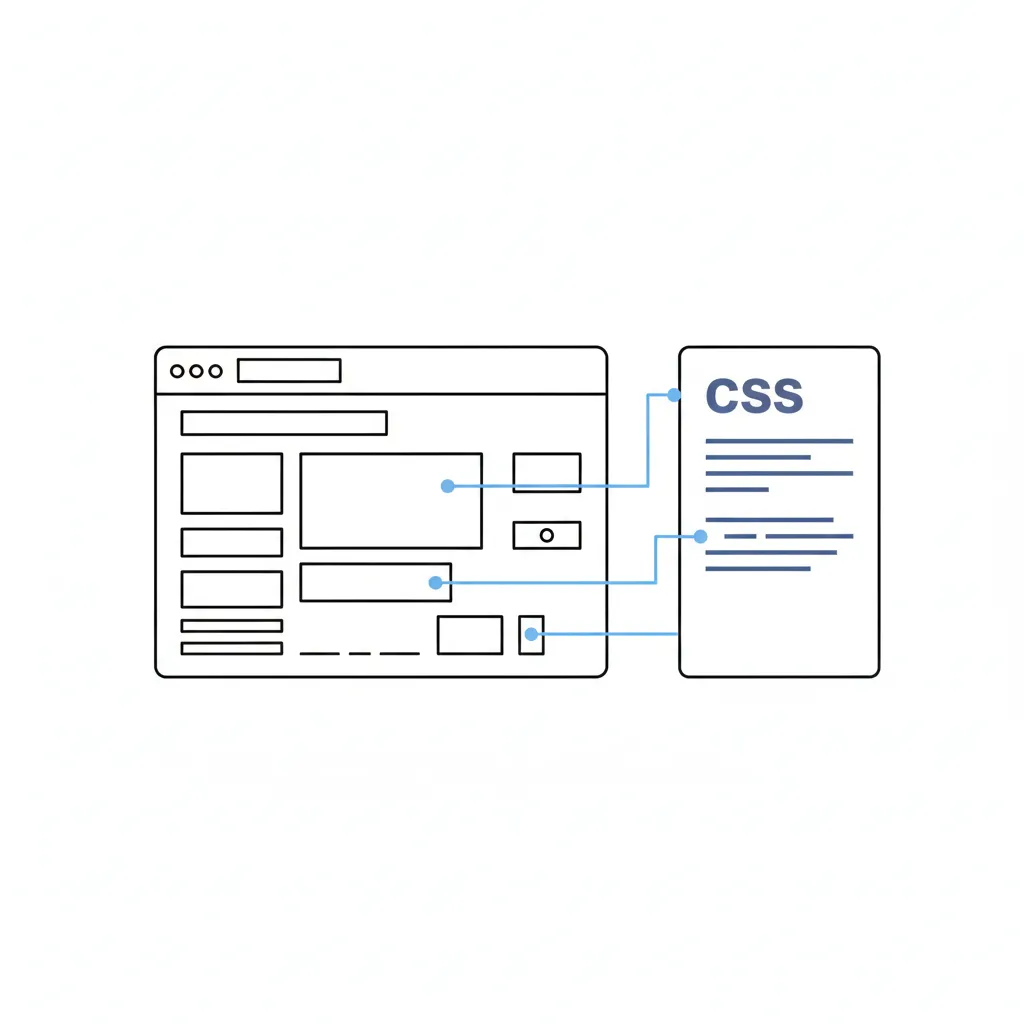
What Is CSS
CSS, or Cascading Style Sheets, is the language used to describe the appearance and formatting of HTML documents. With CSS you can define styling, colors, fonts, sizes, the layout of elements and how the interface behaves on different devices. WordPress themes use CSS and HTML to output the data generated by the system. Every WordPress theme contains a style.css file, which holds the rules and styles that define how pages look.
CSS remains simple to learn and use. There are many resources and online tutorials that help you master the basics from scratch. WordPress users can quickly grasp the principles simply by opening the theme’s style.css file and looking at how the styles are defined.
Example:
body {
  font-size: 16px;
  color: #333;
  background-color: #fff;
  font-family: system-ui, -apple-system, "Segoe UI", Roboto, sans-serif;
  line-height: 1.6;
}

h1 {
  font-size: clamp(1.5rem, 2vw, 2rem);
  text-transform: uppercase;
  letter-spacing: 0.05em;
}

.post-title {
  font-size: 1.25rem;
  color: #4c0000;
  font-weight: 500;
}
HTML elements can get their styling directly from CSS. Designers use IDs and classes to set different parameters for individual sections or repeated blocks on a page. This helps apply different styles to the same HTML element in different places on the site. For example, a blog heading can look different from a post heading.
HTML example:
<div id="header">
  <h1 class="blog-title">
    <a href="<?php bloginfo('url'); ?>" title="<?php bloginfo('name'); ?>">
      <?php bloginfo('name'); ?>
    </a>
  </h1>
</div>
The HTML shown above contains the ID ‘header’ and the class ‘blog-title’. These sections can be styled with CSS.
CSS example:
#header {
  background-color: #4c0000;
  padding: 2rem;
  display: flex;
  align-items: center;
  justify-content: center;
}

h1.blog-title a {
  color: #fff;
  font-size: 1.5rem;
  font-family: Georgia, "Times New Roman", serif;
  text-decoration: none;
}
CSS lets you create not only basic styling but also flexible, responsive layouts. Modern sites use Flexbox and CSS Grid so that elements automatically adapt to different screen sizes.
Example of a responsive block:
.posts {
  display: grid;
  grid-template-columns: repeat(auto-fit, minmax(300px, 1fr));
  gap: 1.5rem;
  padding: 1rem;
}
This example uses a grid that rearranges itself neatly on mobile devices without any extra code.
In addition, CSS lets you define variables, which makes styles easier to maintain and design systems easier to build:
:root {
  --color-primary: #4c0000;
  --color-text: #333;
}

body {
  color: var(--color-text);
}

a {
  color: var(--color-primary);
}
CSS has become the foundation of the visual side of the Internet, allowing designers and developers to create fast, responsive and beautiful websites.
Our specialization is WordPress website development and maintenance. Contact us for a free consultation — [email protected], +371 29394520
