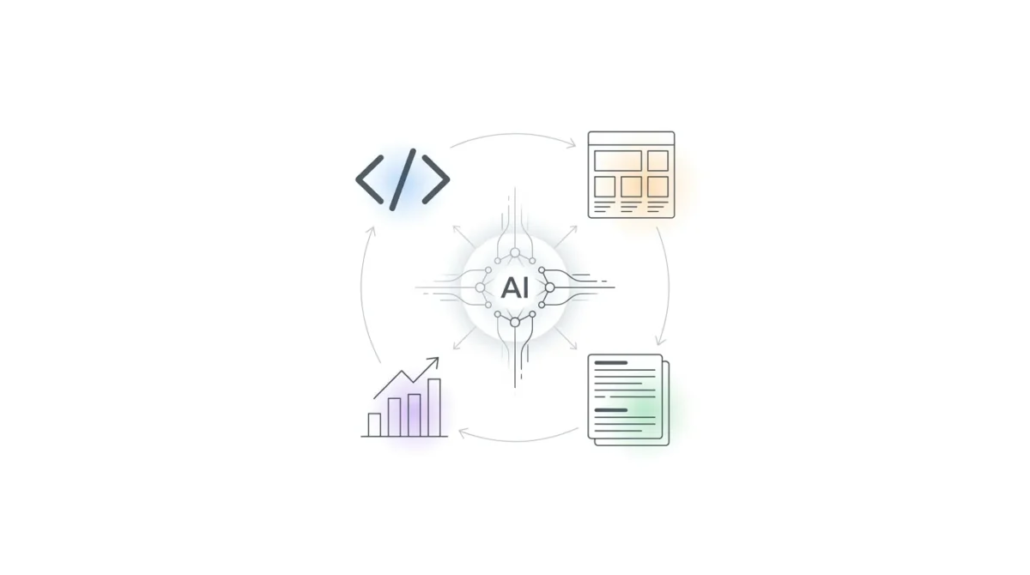
How and Why to Use AI in Web Development: From Code to Content
AI is no longer something experimental sitting on the sidelines of web development. It’s quickly becoming part of the everyday workflow — not just for developers, but for designers, marketers, and anyone involved in building digital products.
What’s changed is not just the tools, but the way work happens. Instead of manually constructing every piece of a website — writing code line by line, designing layouts from scratch, optimizing content step by step — you can now describe what you want and let AI help you build it.
This doesn’t remove the need for human input. If anything, it shifts the focus. Less time is spent on repetitive tasks, and more on shaping ideas, making decisions, and refining results.
To understand why AI is becoming so central, it helps to look at where it’s actually being used across web development — and what it enables in each area.
AI for Writing Code: Turning Ideas Into Functioning Features
One of the most obvious—and impactful—uses of AI is in writing code.
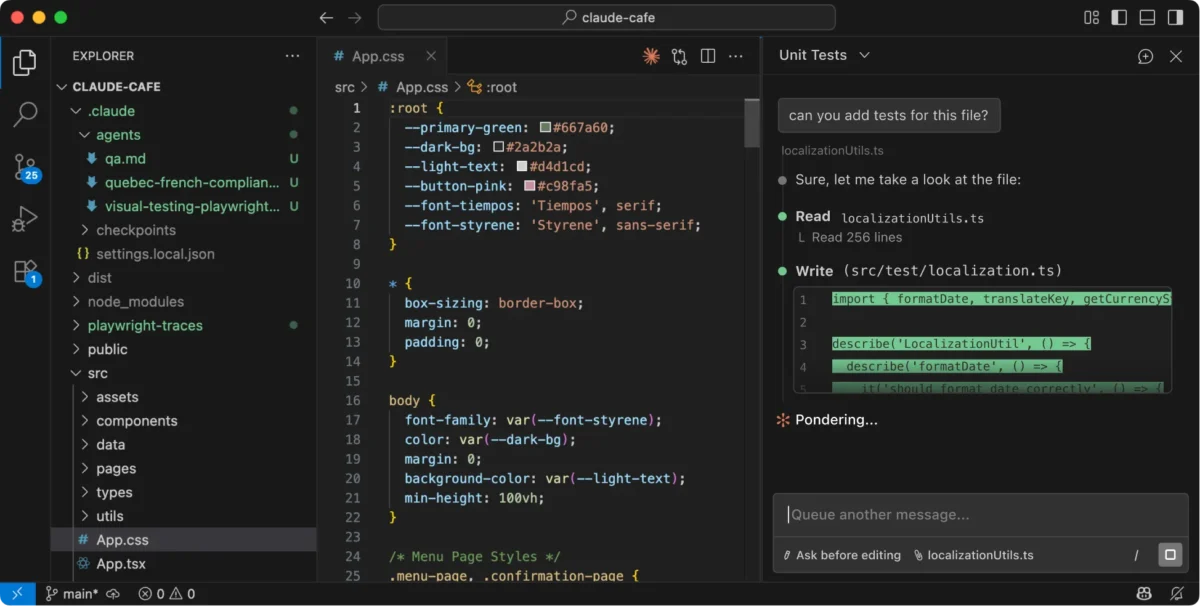
Instead of starting from a blank file, you can describe a feature — for example, a login form or a product filter — and get a working version generated instantly. From there, it can be adjusted, improved, or expanded. This is already part of how we approach web development for our clients.
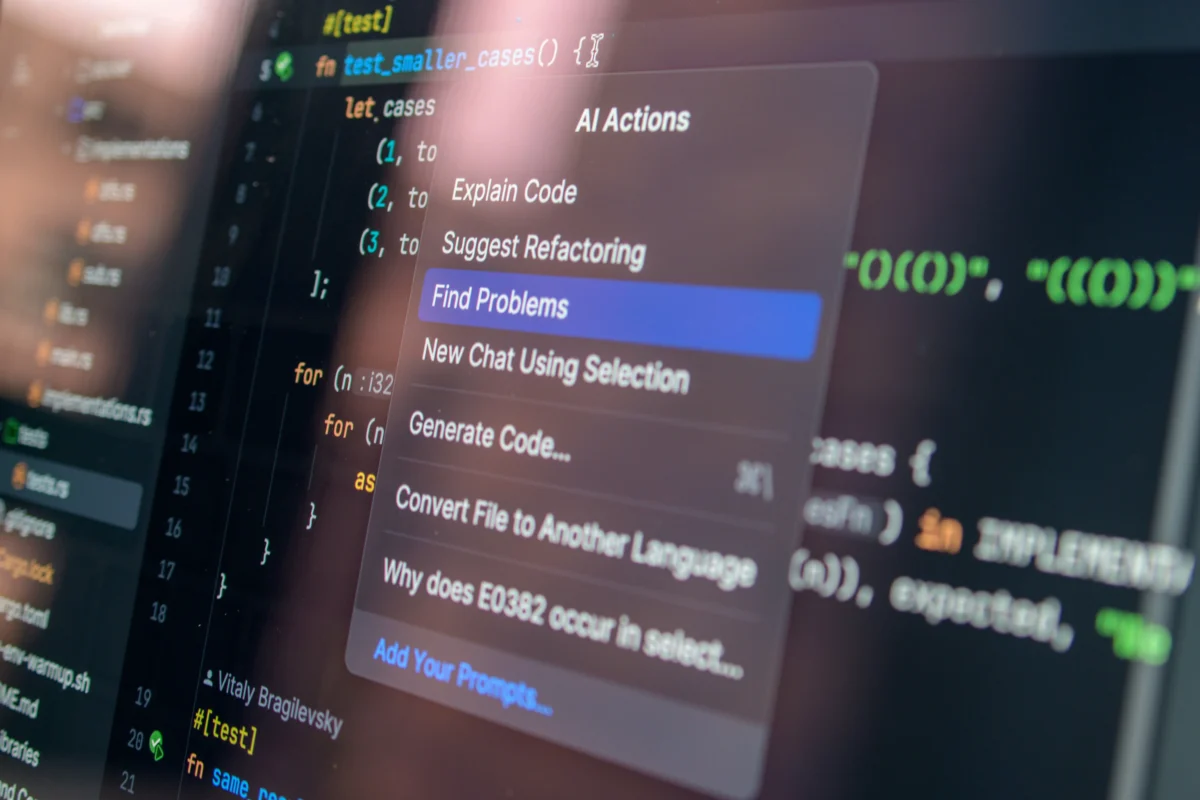
Many modern tools are built directly into coding environments (the workspace where developers write and run code), so the AI can see your project and respond in context. That means it doesn’t just generate generic snippets — it adapts to the structure you’re already working with.
It can also help spot and fix issues. Rather than staring at an error message and searching for answers, you can ask what went wrong and get an explanation along with a suggested fix.
This changes coding from a purely manual task into something closer to a guided process, where you’re continuously working with feedback.
And the impact is immediate: development becomes faster, but also less frustrating, especially when dealing with repetitive patterns or small errors that would normally slow things down.
AI for Design: From Blank Canvas to Working Layouts
Design is another area where AI is making a noticeable difference.
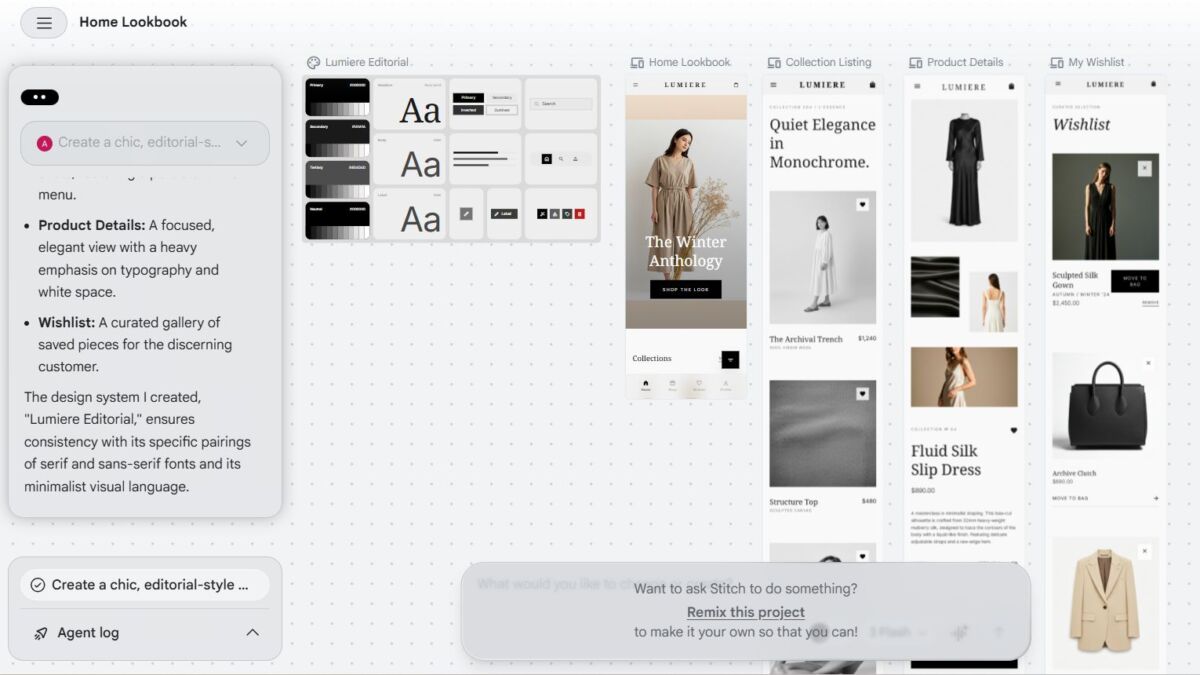
Traditionally, creating a website layout involves wireframing, prototyping, and translating designs into code. AI tools are starting to compress those steps into a much shorter loop.
You can describe a layout — a landing page with a header, a hero section, and a call-to-action — and generate a visual structure almost instantly. Some tools even go further, turning that structure into actual front-end code that can be used directly.
This approach is often referred to as AI-driven design, where the system interprets intent and generates layouts based on patterns it has learned from existing designs.
What makes this powerful is not just speed, but flexibility. Instead of committing to one design early, you can explore multiple variations quickly, adjusting direction as you go.
It also makes collaboration smoother. Designers and developers are no longer working in completely separate steps — the gap between idea and implementation becomes much smaller.
AI for Content: Scaling What Websites Say
Every website relies on content — whether it’s landing pages, blog posts, product descriptions, or help documentation.
AI makes it possible to generate and refine that content much more efficiently. You can draft a full article, rewrite sections for clarity, or adjust tone depending on the audience — all within seconds.
But beyond speed, the real advantage is consistency. AI can help maintain a uniform voice across large websites, generate variations of the same message, and keep content aligned as things evolve. This is especially useful for projects that grow over time and need constant updates.
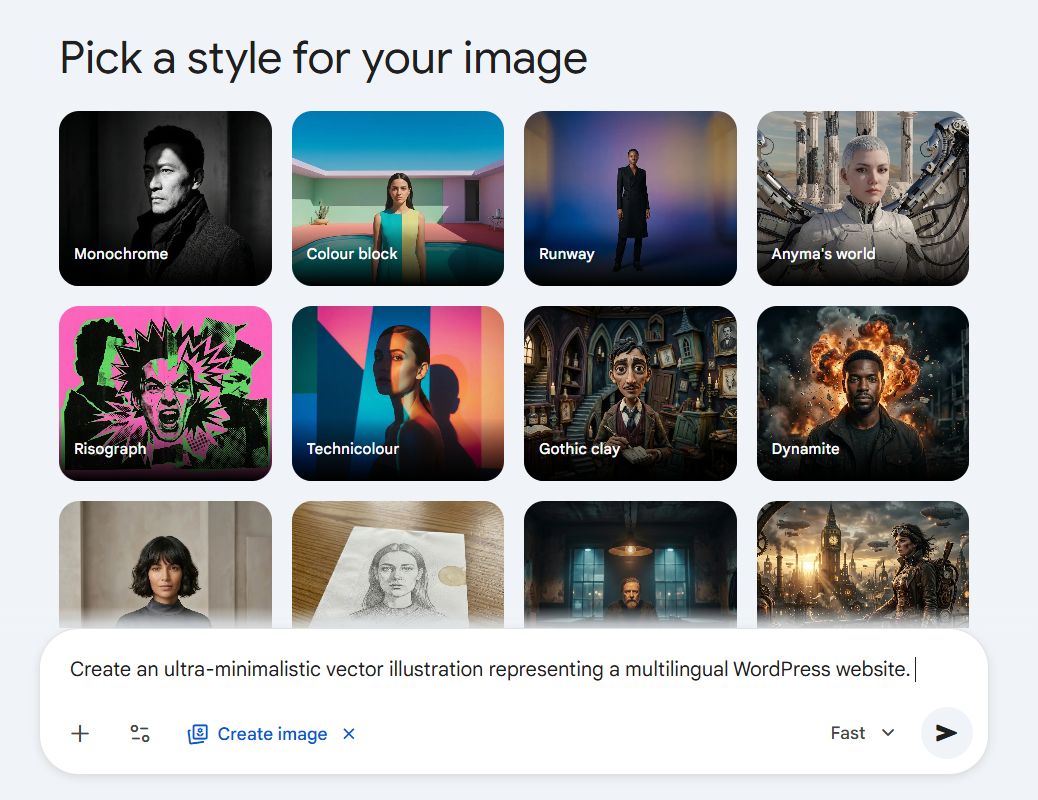
In addition to text, AI is also transforming visual content. Tools for AI image generation can create illustrations, infographics, icons, and even UI mockups from simple prompts. This means that alongside written content, websites can quickly generate custom visuals, keeping design consistent and aligned with the site’s tone — all without needing a separate graphic designer for every asset.
Instead of content being a bottleneck, it becomes something that can scale alongside the rest of the product.
AI for SEO: Writing for People and Systems at the Same Time
Search engines have become much more sophisticated, and AI plays a big role in that shift.
Rather than focusing only on keywords, modern search systems try to understand meaning — what users are actually looking for and whether content truly answers their questions.
AI tools help bridge that gap.
They can analyze search trends, suggest topics, and structure content in a way that makes it easier to understand — both for readers and for search engines. They also help optimize technical details like headings, metadata, and internal links without requiring manual fine-tuning.
At the same time, search itself is changing. AI-generated answers are starting to appear directly in search results, which means visibility is no longer just about ranking pages — it’s about being part of the information that AI systems surface.
That makes SEO less about gaming algorithms and more about clarity, relevance, and usefulness.
AI for User Experience: Making Websites Adapt to People
AI makes this possible by analyzing behavior — what users click, how they navigate, where they spend time — and adjusting the experience accordingly.
This can show up in small ways, like personalized recommendations, or in larger shifts, like dynamically changing layouts or content based on user preferences.
Another common example is conversational interfaces. AI-powered chat systems can answer questions, guide users, and help them find what they need without requiring them to dig through menus.
The result is a more fluid experience, where the website feels less like a fixed structure and more like something that reacts and adapts in real time.
AI for Testing and Optimization: Catching Problems Before Users Do
A lot of work in web development happens behind the scenes — testing features, fixing bugs, and making sure everything works across devices.
AI can automate much of this process.
It can simulate how users interact with a site, identify potential issues, and even suggest improvements before anything goes live. Instead of testing being a separate, time-consuming phase, it becomes something that happens continuously in the background.
This leads to more stable releases and fewer unexpected problems, especially as projects grow more complex.
Beyond the Core: Where AI Is Expanding Next
The areas above are where AI is most visible today, but its role is already expanding further.
It’s being used to manage infrastructure behind websites, improve security by detecting unusual activity, and even make sites more accessible by automatically adapting content for different users.
It’s also increasingly connecting workflows — linking design, development, and deployment into a more unified process, where tasks flow into each other instead of being handled in isolation.
These developments point in the same direction: less fragmentation, fewer manual steps, and a smoother path from idea to finished product.
Why AI Is Becoming Part of the Process — and What Comes Next
Across all of these areas, the pattern is consistent. AI reduces friction. It removes repetitive work, speeds up iteration, and allows ideas to move forward without getting stuck in technical details. But it doesn’t replace decision-making — it supports it.
The role of the person building the website shifts from executing every step to guiding the process, choosing directions, and refining outcomes.
And that’s what makes AI so impactful: it doesn’t just make things faster, it changes how work feels.
These capabilities are already built into a growing ecosystem of tools, each approaching the process from a slightly different angle. We take a closer look at some of our favorite and most impactful AI tools in web development in a separate overview.
Our specialization is WordPress website development and maintenance. Contact us for a free consultation — [email protected], +371 29394520
Leave a Reply
Want to join the discussion?Feel free to contribute!