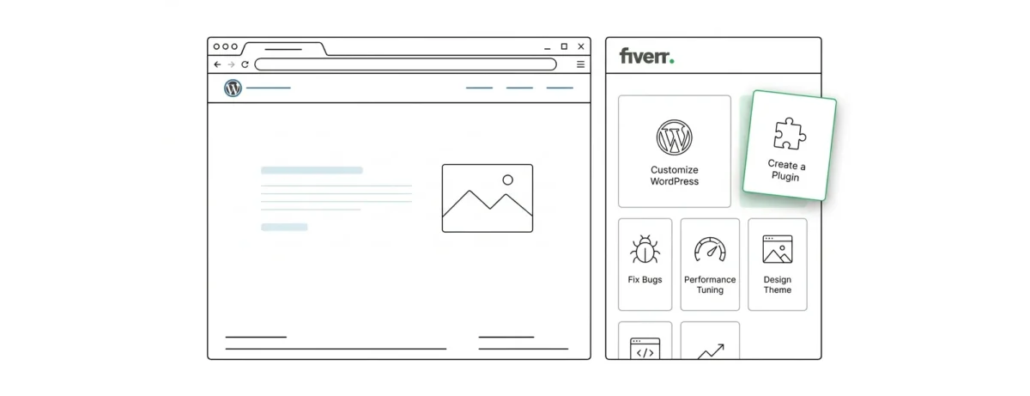
How to Use Fiverr for WordPress Tasks: A Step-by-Step Guide
Many people who are only taking their first steps in WordPress do not know how to act when problems arise. Most start looking for an answer manually in such situations. That is natural, but at the same time this approach to solving a problem can drag on and does not guarantee that you will manage to find a solution. Some turn for help to friends who know the subject better, but that may not help either if the problem turns out to be too complex.
Agree, it would be nice to have a reliable helping hand at any time, wouldn’t it? But do you know what is the coolest part? Such a helping hand actually exists. And such services do not cost exorbitant money. Meet Fiverr for WordPress. Perhaps the best place to turn to for help with WordPress. In short, Fiverr is a freelance marketplace where people offer their services for just five dollars. And although you can find more advanced services at correspondingly higher prices, there is still plenty of cheap stuff in the service.
And these bargains are quite enough to meet all your basic WordPress needs, whether it is bug fixes, debugging, customization or HTML and CSS tweaks. In this article I will walk you through solving problems with Fiverr, step by step. It will be purely hands-on experience.
Step One. Setting Up an Account on the Service
First things first: you need to set up a new account. To do this, just go to the service’s website and click “Join”. You will be asked for an email address, a username and a password. It is not at all necessary to use your real name as your login, but after your account is confirmed you will still have to provide it, along with other personal data, in order to make online payments.
Three Ways to Use Fiverr for WordPress Compared
There are several ways to get help from sellers on Fiverr. I will mention all three with their advantages and disadvantages, ultimately choosing the most effective one.
- Searching for Gigs
Pros: in theory you can find the gig with the best price-to-service ratio.
Cons: searching through gigs can take you longer than necessary. You may find that you have been looking for a simple gig for hours. There are thousands of sellers offering the same services, so sorting through them can be no easy task.
- Custom Offers
Pros: You can assign the project to a specific seller you want to work with. This method is usually suitable for repeat projects, when you already have a preferred seller.
Cons: Sellers may ask for an additional fee on top of your original order, so the total cost can go up.
- Posting a Request
Pros: This method lets you compare the offers and prices you will receive.
Cons: It will take extra time to comb through the spammy offers that sellers will throw at you.
If you are new to Fiverr, I advise you to jump straight to the last method. Next I will show how it works.
Step Two. Choosing an Offer
Before you dive into reviewing offers, I advise you to temporarily pause your request. Otherwise you will constantly receive new offers that you will have to review, and very soon you will find yourself in a vicious circle. You will also receive corresponding email notifications with the best offers from Fiverr. Personally, though, after checking them I decided to opt out. One of the two such offers that came to my email initially cost five dollars, as it should. However, as soon as I went to the service’s website, I saw that the price had jumped to forty bucks. So be very careful and prudent before clicking the “Order” button. Obviously, some sellers try to game the system. The other “top” offers on Fiverr did not contain the secret word. My conclusion in this case is that you should not rely entirely on the service’s algorithms. This does not mean that all sellers from these tops are bad, not at all. But I still prefer to take the safer route.
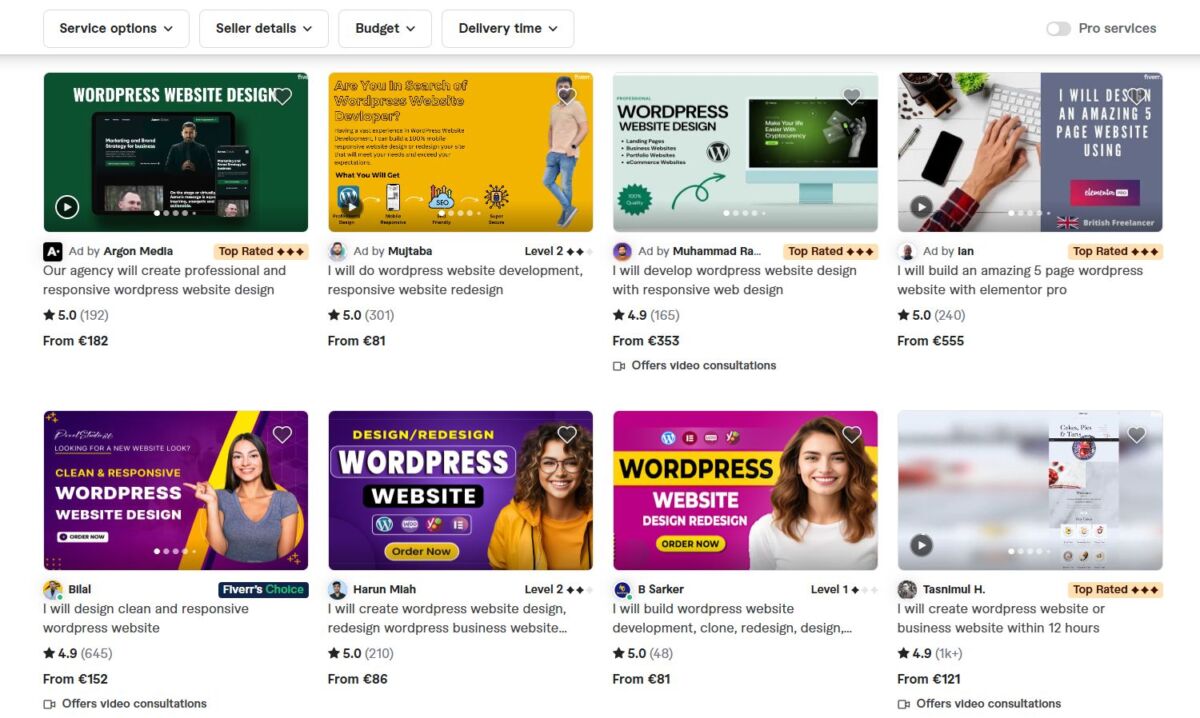
A Quick Way to Find Non-Spam Offers
Moving on. Now let’s go through the offers we received and see what we have.
The first screening I did was meant to weed out copy-pasted replies. For this I simply used the secret word. It turned out that fifty-two percent were copy-paste (that is, more than half). The problem with copy-paste is that most people do not read the terms of the order. If you are in a hurry, be sure to look for sellers with the Online label next to them. Also pay attention to two things:
– delivery time – make sure the request states the task completion time precisely.
– number of returns – some sellers do not list this, although they are unlikely to ask for payment if you are unhappy with the result. The risk of getting a bad reputation makes many sellers think and be more willing to negotiate.
Evaluating Sellers
After choosing a suitable candidate for your WordPress tasks, be sure to visit their profiles. The service rewards the best performers with various levels, but such people will respond less often. With greener sellers who have no level, you will need to take other things into account. Here is what you can do:
– read the seller’s gigs and see what kind of services they offer. This will give you a general picture of their skills.
– reviews – make sure you read them all. Comments like “great service” cannot be called very informative, not to mention that they may well have been written by the seller themselves.
– recent delivery time and the date they joined Fiverr. Only here you need to keep in mind that being new to the service does not always mean being new to WordPress
Before placing any order, I advise you to always write a message to the seller first. This will help clarify whether the order was understood correctly. By the way they respond to you, you will also see their level of involvement. Use this step to make sure you have checked all the requirements of your job.
Here is an example:
“Hi, thank you for taking on my order.
Do you have an example of what this work will look like?
Can you confirm it will be a responsive design with a parent theme?”
Tip: attach a visual example of what you want to achieve. The thing is, for many people on the service English is a second language and they may not always understand you correctly.
Contacting the seller before placing an order is the best experience.
Step Three. Complete the Project
I choose the seller who asks the right questions. The most expensive seller cost me a hundred bucks, while the cheapest one’s services cost me five bucks, but there I did not use the secret word. However, in the latter case the seller did not do the work the way I wanted – instead of a slider with three slides he made seven and spoiled the design. Despite several attempts to explain the problem to him, we could not sort it out, and I simply paid for the service so as not to waste time. With another seller, though, things were diametrically opposite: he understood everything at once and did the work even before I placed the order. This is how some sellers try to earn a good reputation: they complete orders before you have officially posted them on the service.
Step Four. Order and Pay
To place your order, go back to the list of offers Buying → Manage requests → Paused → Review offers, find your seller and click Order now. This will redirect you to the payment page, where you can choose how to pay: by credit card or with PayPal. Do not forget about the fees, which here are 1 dollar on purchases up to 20 dollars and 5% on purchases above twenty.
Everything here is quite simple. After you place the order, the clock starts ticking immediately. Fiverr provides all the tools needed to complete the project – the ability for the seller and buyer to negotiate, file transfer and payment processing. Finally, once the seller has your order, you will be able to request changes. If everything is fine, accept it and write a review. You will have to leave a review in any case, since the whole service is built on reviews: you will not be left alone until you write both a public and a private review of the seller.
In the last step you will be able to reward the seller with an additional tip. It is a nice sign of generosity. To quickly track and contact the seller, I advise you to install the Fiverr mobile app. Another option is to bookmark the most interesting gigs for future work with them.
And that is all! Fiverr is really worth trying, even though not everything will always go as smoothly as you would like. In general, though, you will certainly find someone who is good and can handle your tasks. And the more you work with that person, the better the results will be.
Our specialization is WordPress website development and maintenance. Contact us for a free consultation — [email protected], +371 29394520
