How to Test the Performance of a WordPress Site
Why check how well a WordPress site performs? Well, if only because every year site speed becomes an ever more decisive factor. The formula is actually very simple: the faster your site works, the happier your audience will be. Faster sites have a whole range of advantages:
- the most important of them is that faster sites are usually more user-friendly, because they simply do not lag or freeze
- fast sites are better optimized for viewing on a phone
- they rank better in search engines
- they sell better – people usually do not like to wait long for a site to load
So, we have dealt with that… But there is another question: where to start? How do you check how well your site performs? To put it bluntly: how do you tell that your site is slow? We offer you four ways to do it.
1. Check the Loading Time
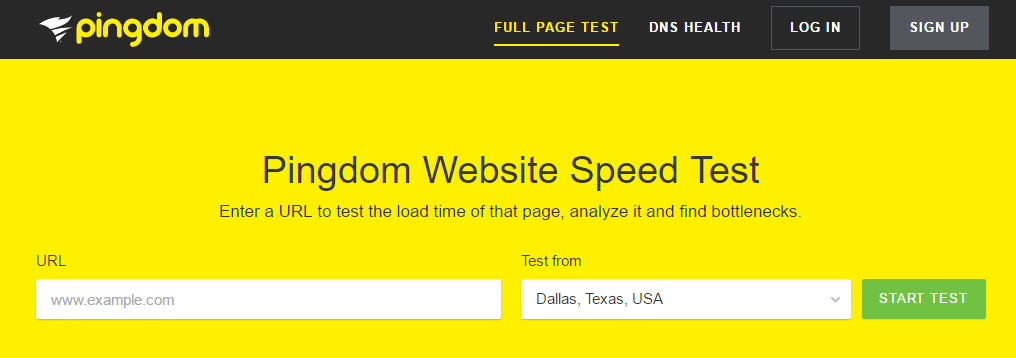
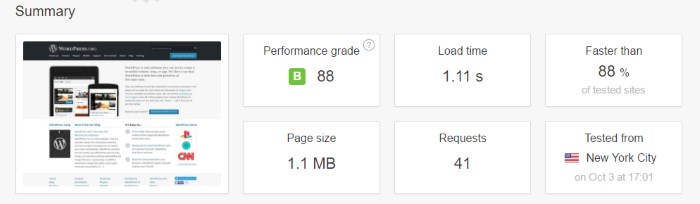
You can do it very simply – just type the site address into your browser’s address bar and see how fast the site loads. But this is a very crude method, because this way you only find out how the site works for you, not for your audience. For more accurate results go to Pingdom and choose the server location from which you want to measure the site’s performance. Of course, the best option is to choose a location close to your target audience. A few seconds after you click START TEST, the service will give you a report on every component of your site. You can see the most important information in the first section.
2. Check How Much Concurrent Traffic Your Site Can Handle
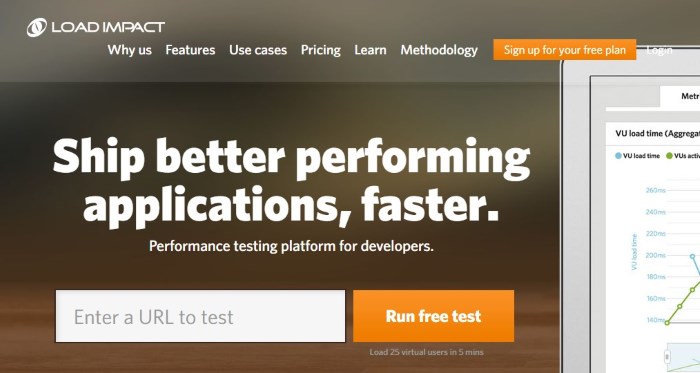
The next test is also very useful, and for it you will need a tool called Load Impact. Just enter your site’s address in the field and click the Run free test button. What the service does is create twenty-five bots and send them to your site so you can see how it will perform under load. This check takes only five minutes, and when it finishes a comprehensive report awaits you.
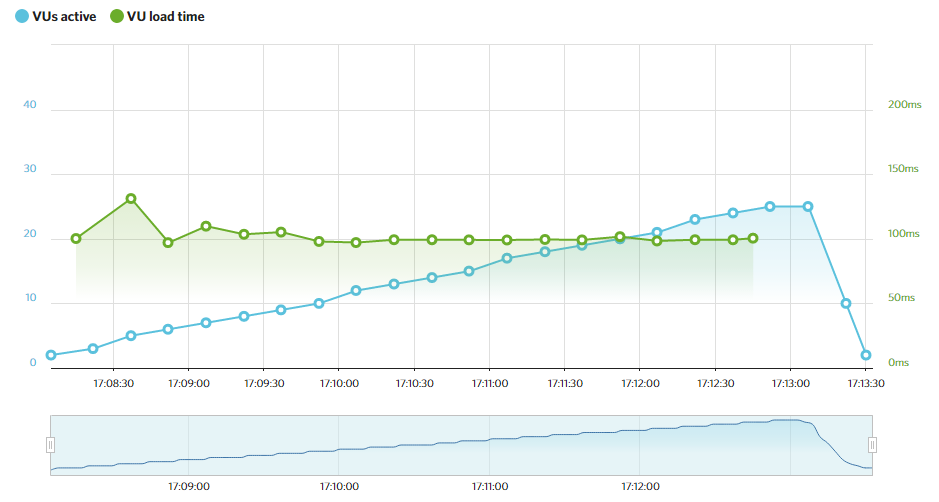
At first glance it may look confusing, but the report is actually not that complicated. The main thing to remember is that the green line, which reflects the site’s load time, should be as low as possible. If it moves up, it means you should work on your site’s performance.
3. Check the Quality of Your WordPress Settings
Like many software products, WordPress consists of lots of small elements, scripts and mechanisms that together make your site so wonderful. That is, if all these elements are properly optimized. This is where GTmetrix comes in, which can help you check the site’s performance.
As in the previous cases, all you need to do is enter your site’s address and click the Analyze button. After a while you will get a report with the following items:
- image optimization
- browser cache
- JavaScript optimization
- CSS optimization
- redirects
- HTTP request optimization and much, much more
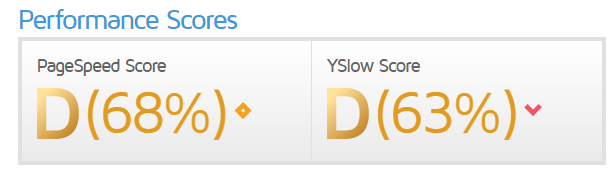
GTmetrix also gives you an overall score. So, if your site’s optimization is lame, you will get a D rating.
4. Check the Optimization of Your Plugins

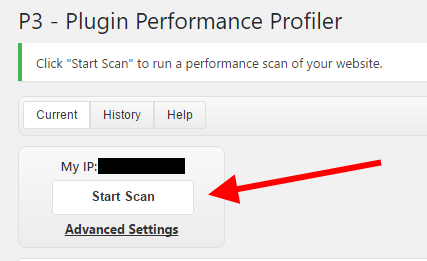
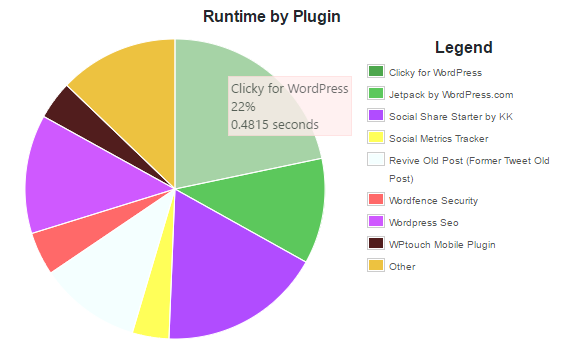
Finally we have a plugin called P3 (Plugin Performance Profiler). Once you have installed it, go to the admin area, more specifically – to wp-admin / Tools / P3 Plugin Profiler. Then click the Start Scan button and choose automatic scanning.
After some time you will have a report with every plugin and its load time. This way you will find out which plugins are slowing down your site and can remove them to look for faster alternatives with similar functionality.
Is Your WordPress Site Still Slow?
Even if after all these tests you have not managed to make the site faster, you can check other hosts. For example, we advise SiteGround if your audience is close to Chicago, London, Amsterdam or Singapore, since they have data centers there. SiteGround is fast in everything – both in serving sites and in technical support. They will even gladly move your site from another host to theirs completely free of charge. And if you are interested in hosting in Latvia – you can contact us.
Our specialization is WordPress website development and maintenance. Contact us for a free consultation — [email protected], +371 29394520
