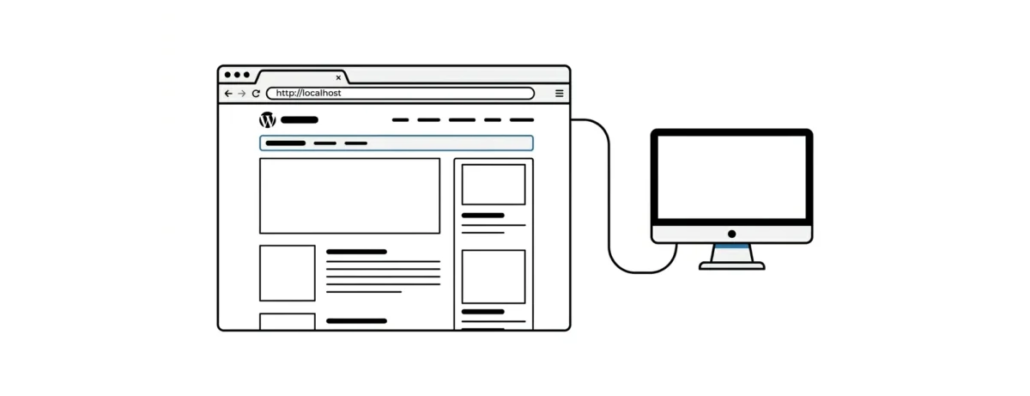
What Is Localhost
In computer networking, localhost means “this computer”. When you type a URL into your browser, you are actually connecting to a “host” computer somewhere. That computer serves you the page you requested. If you type “localhost” into your browser, the browser knows that you want to connect to the computer you are using right now. If your computer runs server software such as Apache, the browser will show you a web page from your own computer, in other words, known as localhost. Every computer connected to the internet has an IP address, and your localhost has one too. Usually the IP address is 127.0.0.1.
Localhost is often used for testing and development. When a developer installs software such as WAMP, LAMP, MAMP, LocalWP, Laragon or DevKinsta, they type “localhost” into their browser to open a WordPress site.
Another common use of localhost is when you try to connect to your MySQL database. This usually happens when you install WordPress on your server. Going beyond the scope of this article, we can add that when you install WordPress you are asked for the host name, which is usually localhost. The reason is simple – WordPress and MySQL are both installed on the same server. For them to work with each other, they must be aware of it. By telling WordPress that your MySQL database server is “localhost”, you are simply telling WordPress to look for the database on the same computer.
Our specialization is WordPress website development and maintenance. Contact us for a free consultation — [email protected], +371 29394520
