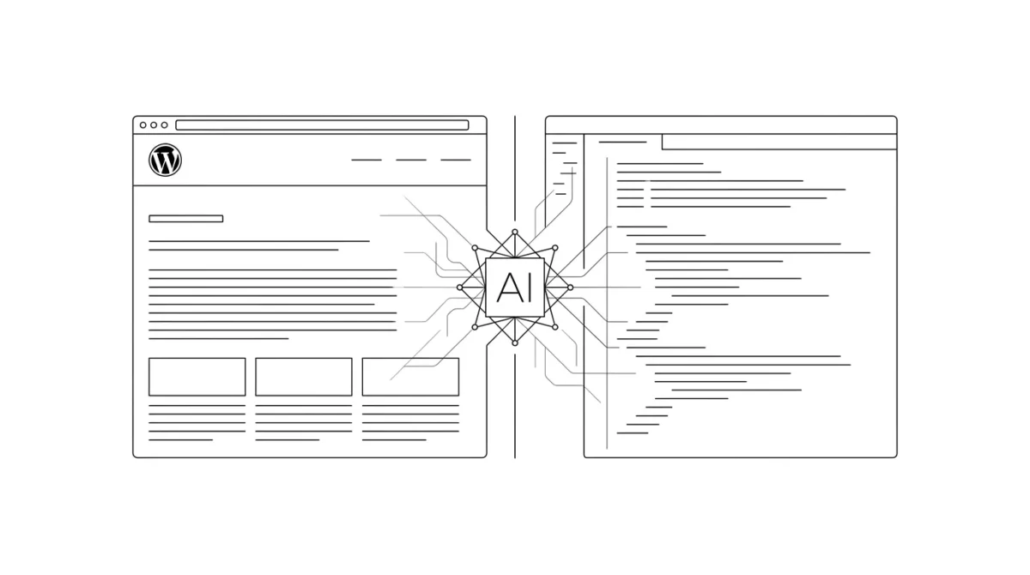
AI in WordPress: How Websites Are Being Built, Designed, and Extended with Artificial Intelligence
WordPress has always been known as a flexible way to build websites without needing to write everything from scratch. But in recent years, it has started to change in a much deeper way. Instead of simply being a platform where you manually install themes and plugins, WordPress is now becoming a space where AI helps shape the entire process — from writing code to designing pages and extending functionality. It’s a shift we’re seeing firsthand in our own WordPress development projects.
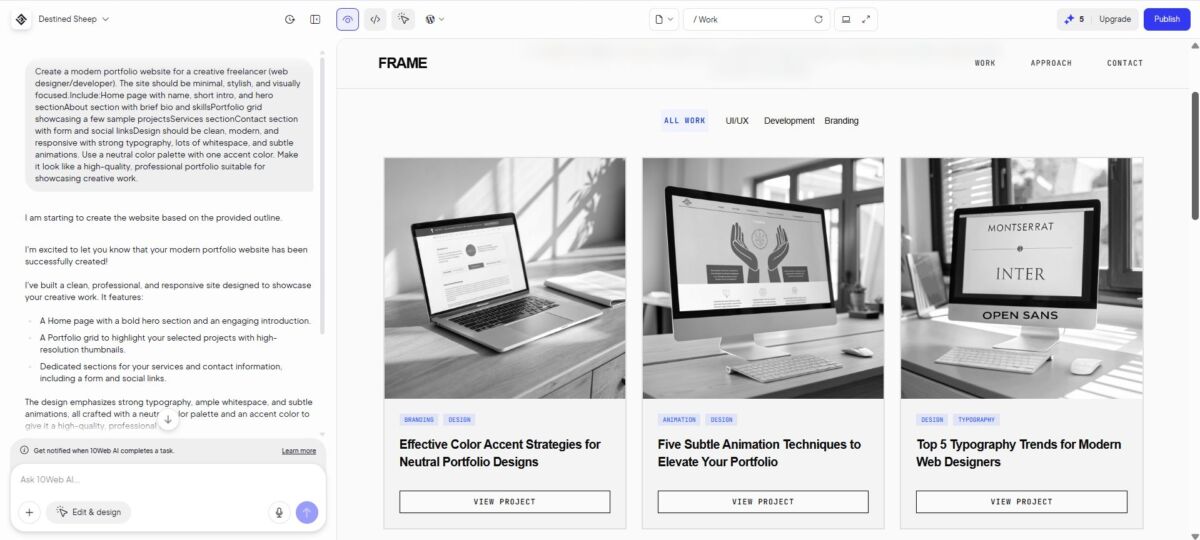
What used to require more setup and coordination between different tools and systems is now often much faster to initiate, especially in early-stage planning and prototyping. For example, tools like 10Web AI Website Builder, which is built on top of WordPress, can generate an initial website structure from a description, creating pages, layouts, and base content automatically. Instead of starting from a blank WordPress installation, developers can begin with a structured foundation that they then refine, extend, and adapt to fit specific project requirements.
AI for Writing Code Inside WordPress
At the core of WordPress are PHP files, theme structures, and plugin systems. Traditionally, changing or extending anything meant writing or editing code manually — sometimes a small change could require digging through multiple files.
Now AI tools are stepping directly into this space.
Instead of writing everything line by line, developers can describe what they need, and tools like Telex can generate WordPress-specific code or even full blocks and theme components. For example, describing a custom Gutenberg block or a dynamic content section can produce a structured starting point aligned with WordPress architecture. This shifts part of the workflow from manual implementation to guided generation, where developers review, adapt, and integrate the output into a larger system rather than building every element from scratch.
Tools like Telex are particularly strong when working directly within the WordPress ecosystem, as they understand blocks, themes, and platform-specific structures rather than generating generic code.
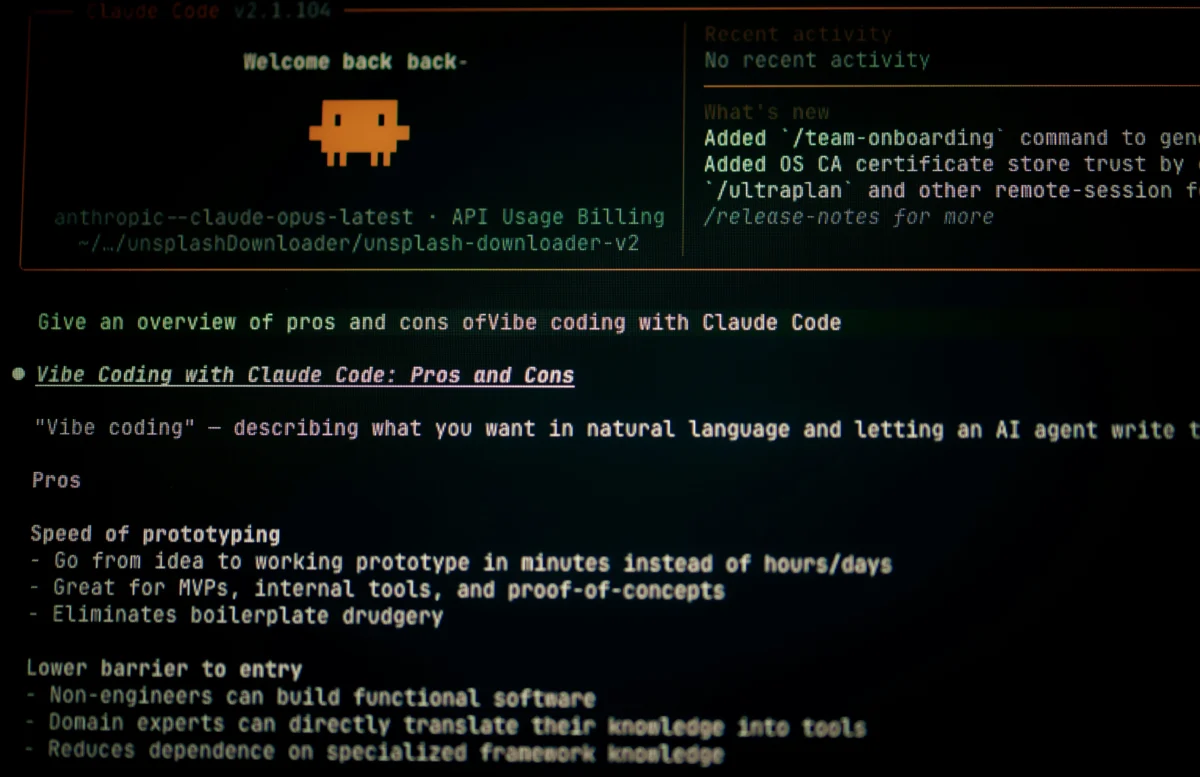
In addition to generating code, AI can help interpret existing code. WordPress themes and plugins often come with large, complex codebases. AI tools like Claude, Cursor or GitHub Copilot can read through PHP files, explain how different parts connect, and suggest safer ways to modify functionality without breaking the site. In WordPress development, this typically means working directly with theme files, plugin codebases, and structures such as hooks, filters, and templates. Developers can paste a function, hook, or template file and ask what it does, how it interacts with WordPress, or how it can be extended.
For working with existing codebases, tools like Cursor and GitHub Copilot are often preferred because they are integrated directly into the development environment, while models like Claude are especially useful for deeper explanations and understanding more complex logic.
This makes working with unfamiliar themes or third-party plugins much more manageable, especially when documentation is limited or inconsistent.
AI-Powered Plugins: Adding Functionality Without Heavy Setup
Plugins are one of the biggest strengths of WordPress, allowing sites to extend functionality without rebuilding core systems.
AI is now becoming part of this ecosystem by powering features that go beyond static functionality.
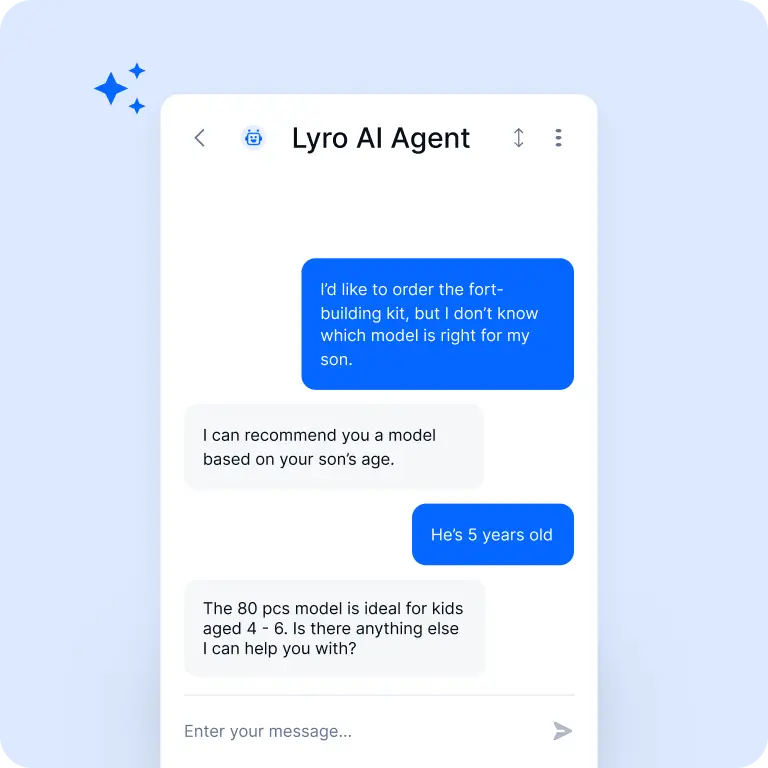
For example, plugins like Tidio or WPBot can add AI-driven chat interfaces to websites, handling user questions, guiding navigation, or supporting customer interactions in real time. These plugins are particularly useful for customer-facing websites, where real-time interaction and automated responses can improve user experience without adding manual support overhead.
Other tools focus on improving search and discovery. Plugins like SearchWP and Algolia enhance default WordPress search by interpreting user intent rather than just matching exact keywords, returning more relevant results across larger or content-heavy sites. These solutions are especially effective on larger or content-heavy sites, where traditional keyword-based search becomes limiting and more contextual, intent-based results are needed.
At the same time, AI is changing how plugins themselves are built. Developers can generate plugin scaffolding, structure, and core logic using tools like Telex, which are specifically designed to work with WordPress concepts such as blocks, hooks, and theme architecture. A request like “create a plugin that stores newsletter signups and exposes them in the admin dashboard” can produce a structured starting point — including custom post types, database handling, or admin UI elements — which is then reviewed, refined, and integrated into the broader project.
This makes plugin development faster and more experimental, lowering the barrier for creating custom WordPress functionality.
AI for Theme Design and Page Building
Designing a WordPress site has traditionally meant working with themes, page builders, and templates. Tools like Elementor or Gutenberg blocks made this easier, but there was still a lot of manual arrangement involved.
AI is starting to change that workflow. With tools like Elementor AI or Divi AI, you can now describe a page instead of building it block by block. A prompt like “Create a homepage for a digital marketing agency with a hero section, services overview, and testimonials” can generate structured layouts, suggested copy, and design variations directly inside the builder.
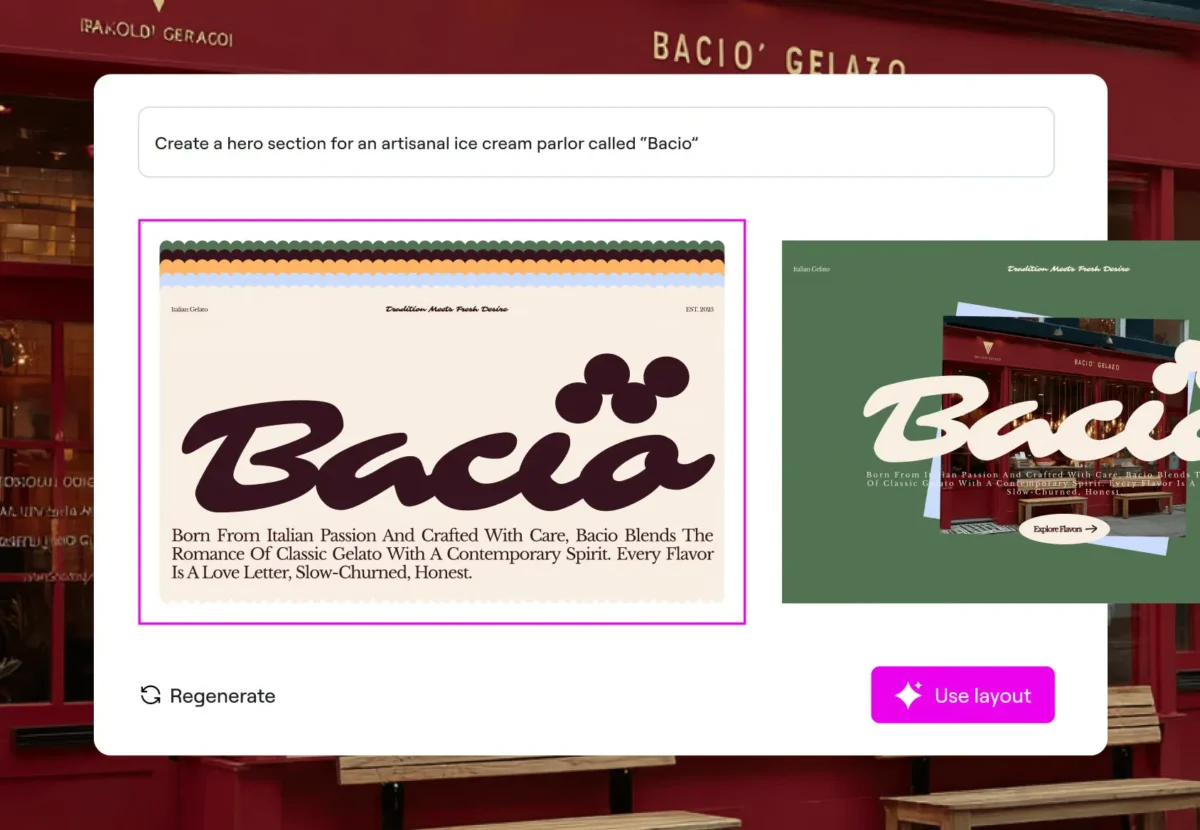
Instead of building everything step by step, the process becomes more about selecting, refining, and adjusting what AI generates. Even visual direction — spacing, tone, section hierarchy — can be influenced through natural descriptions rather than manual design decisions.
AI Content Creation Inside WordPress
One of the most common uses of AI in WordPress today is content creation.
Instead of writing every blog post, product description, or page manually, AI can generate drafts directly inside the editor. Jetpack AI Assistant, for example, allows you to write prompts like “introduce a beginner guide to SEO” and immediately produce structured content inside WordPress itself.
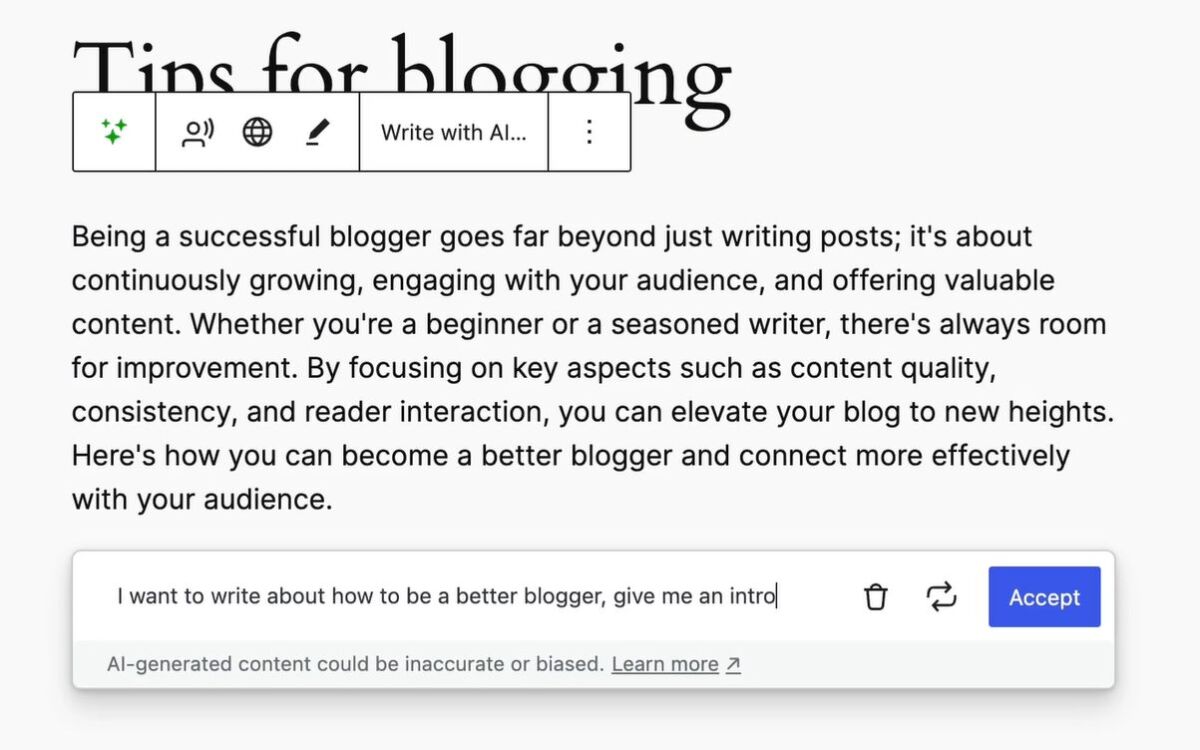
This doesn’t remove editing, but it changes the starting point. Instead of beginning with a blank page, you begin with a draft that can be shaped and refined.
AI image generation is also becoming part of this workflow. Tools like DALL·E, Gemini or Nano Banana can create visuals such as blog headers, illustrations, or featured images from text prompts. In some setups, these tools are integrated directly into content workflows, making it easier to generate consistent visuals without relying on external design processes.
While tools like Jetpack AI Assistant work directly inside WordPress, models such as Gemini or Nano Banana are used externally to support content creation and visual production.
AI for Site Optimization and SEO
Search engine optimization in WordPress has traditionally been a mix of manual adjustments and plugin-based guidance. Writing meta descriptions, structuring headings, choosing keywords, and linking content all required deliberate effort and ongoing refinement.
AI is starting to streamline this process by working directly within SEO tools and content workflows.
Plugins like Rank Math and Yoast SEO now incorporate AI-driven suggestions. Instead of manually writing metadata, developers and content editors can generate meta titles and descriptions based on the page content, adjusting them as needed. These tools operate directly within the WordPress dashboard, making SEO optimization part of the same workflow as content creation rather than a separate process.
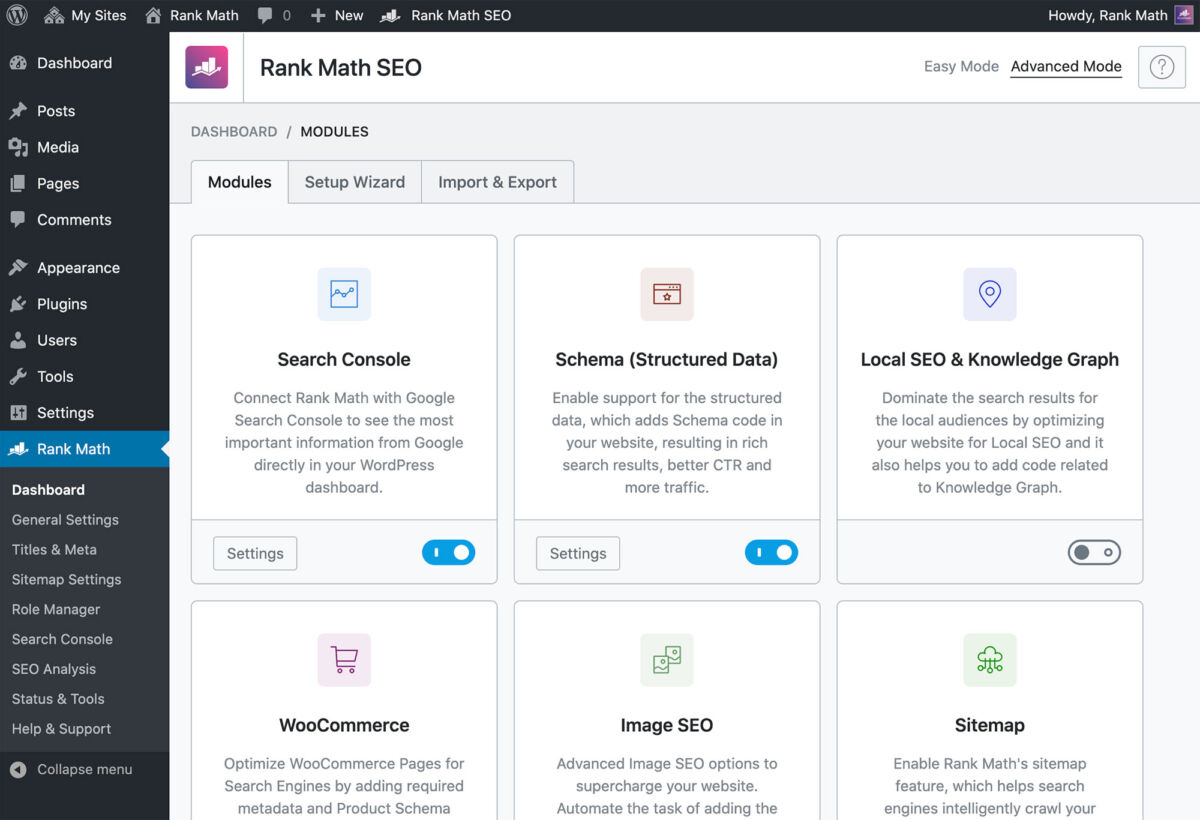
Rank Math is often preferred for its more automation-focused approach, helping generate metadata and suggestions quickly, while Yoast SEO remains widely used for its structured guidance and step-by-step optimization workflow.
In practice, these tools are often used together — combining automation with manual control to balance speed and precision.
AI can also analyze entire pages and suggest structural improvements. For example, it can recommend clearer heading hierarchies, identify missing sections, or suggest internal links between related posts. On larger sites, this becomes especially useful, where manually maintaining content relationships would be time-consuming.
Another practical use is topic generation. AI can analyze search trends and existing content, suggesting new articles or pages that align with what users are actively searching for. This shifts SEO from a static checklist into a more continuous, data-informed process.
Rather than replacing SEO tools, AI enhances them — helping teams move faster while still making the final decisions about content and structure.
AI for Site Maintenance and Monitoring
Maintaining a WordPress site involves ongoing work behind the scenes — updating plugins, monitoring security, checking performance, and resolving conflicts when things break.
AI is increasingly being used to support these processes by identifying patterns and flagging issues earlier.
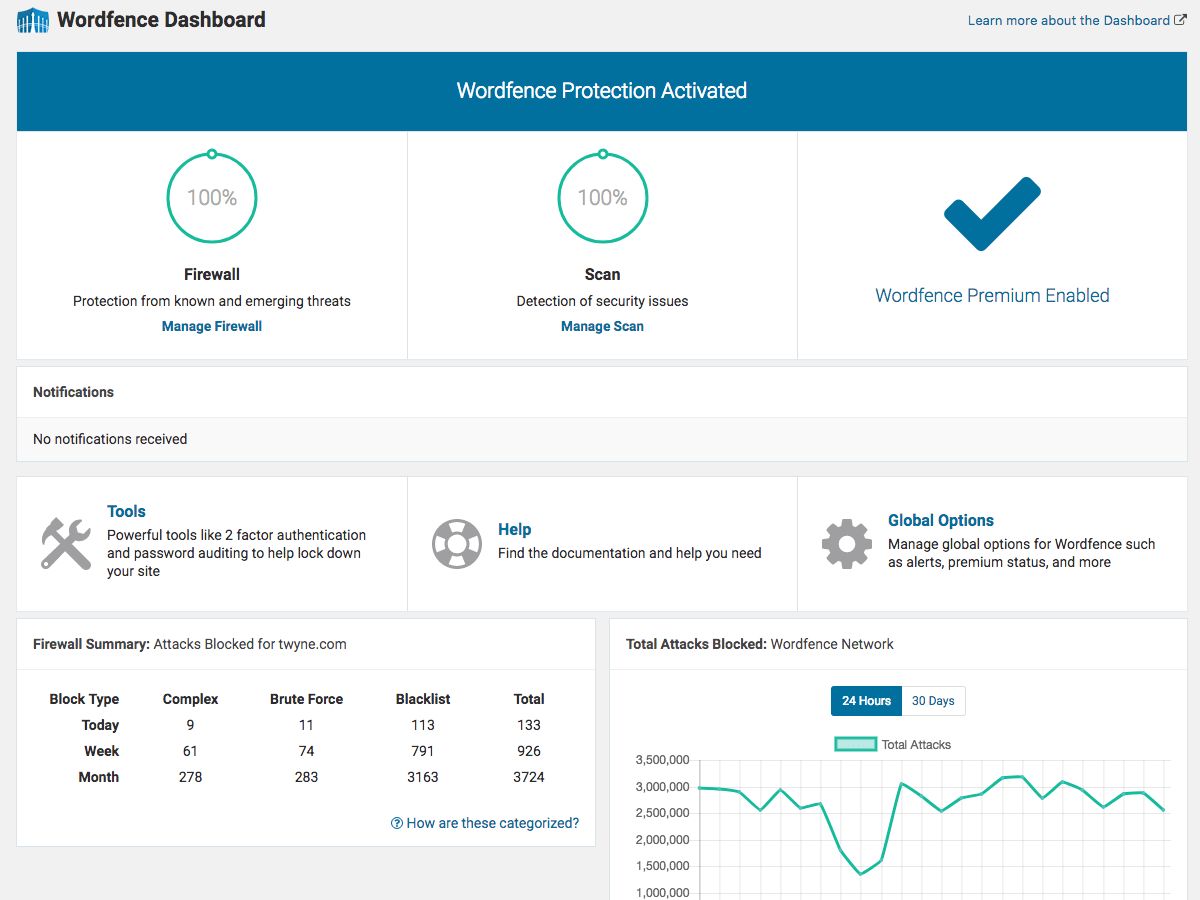
Security tools like Wordfence analyze traffic and login activity to detect suspicious behavior, such as repeated failed login attempts or unusual access patterns, making them especially important for security-focused projects. As a WordPress security plugin, it operates directly within the CMS, monitoring site activity in real time as part of the broader WordPress ecosystem. While much of this has existed before, AI-enhanced systems improve detection by recognizing more complex patterns rather than relying only on predefined rules.
Maintenance platforms like ManageWP help automate routine tasks such as updates, backups, and uptime monitoring. Although not an AI tool itself, ManageWP is commonly used in combination with AI assistants to interpret issues that arise — for example, analyzing errors after an update or identifying the cause of performance drops. In this way, AI complements existing management workflows rather than replacing them.
This doesn’t remove the need for maintenance — but it makes it more proactive, helping teams detect and resolve issues faster rather than reacting after problems escalate.
A Practical AI Stack for WordPress Projects
When looking at AI tools in WordPress development, it quickly becomes clear that they are not used in isolation. Instead, they form different kinds of workflows depending on how a project is approached — whether starting from design, code, or a generated foundation.
One common approach begins with design. A tool like Stitch can be used to generate interface ideas and page structures from simple descriptions. These designs are not tied to WordPress yet, but they provide a clear visual and structural direction. From there, the project moves into development, where tools like Cursor are used to implement those layouts inside a WordPress theme or custom setup, working directly with theme files and project code rather than through the WordPress interface. In this workflow, AI helps first define what the site should look like, and then assists in building it with full control over the code.
Another approach starts directly inside WordPress. Tools like 10Web AI Website Builder, which is built on top of WordPress, can generate an initial site structure — pages, layouts, and base content — from a prompt. This creates a working starting point that can then be customized. From there, developers might use Telex to extend functionality, generating custom blocks or plugin logic that fits directly into the WordPress architecture. In this case, AI accelerates the setup phase and then supports deeper customization.
A more development-driven workflow keeps everything centered around the codebase. Using tools like Cursor alongside models such as Claude, developers can build and refine WordPress themes and plugins at the code level, working directly with PHP files, templates, and logic rather than through the WordPress interface. This approach prioritizes control, with AI acting as an assistant rather than a generator of full structures.
Across all of these workflows, content and optimization tools fit in as ongoing layers. Tools like Jetpack AI Assistant, Rank Math, and Wordfence are used throughout the process — from initial content creation to refinement, optimization, and ongoing site management.
Rather than forming a single stack in the traditional sense, these tools represent a spectrum of approaches. Some prioritize speed and automation, others focus on control and customization, and many sit somewhere in between. In practice, teams combine them depending on the project — using AI not as a replacement for the development process, but as a set of tools that reshape how that process works.
If you’d like to see how this works in more detail, take a look at our breakdown of AI in action, where we walk through a few of our own projects and how these tools come together in practice.
The Shift Inside WordPress
What’s happening inside WordPress is not just the addition of new tools — it’s a shift in how websites are built and managed.
WordPress is becoming less of a system that needs to be configured manually and more of a platform where you describe what you want to achieve, and AI helps assemble it all — code, design, content, and functionality.
The result is a workflow that feels less rigid and more responsive, where building a website becomes closer to shaping an idea than assembling individual parts.
If you’re considering a new WordPress project, take a look at our web development services to see how we work.
Our specialization is WordPress website development and maintenance. Contact us for a free consultation — [email protected], +371 29394520
Leave a Reply
Want to join the discussion?Feel free to contribute!