How to Remove the Welcome Panel from the WordPress Admin
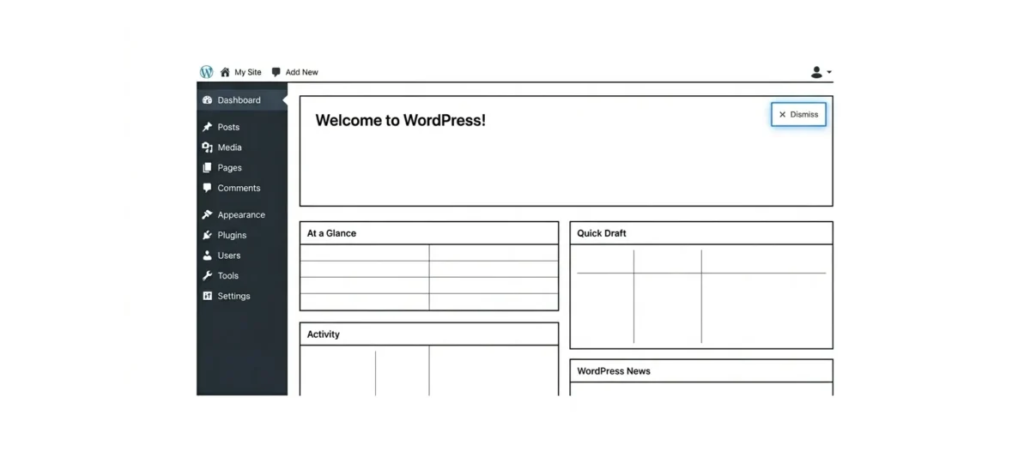
The welcome panel is the area in the WordPress admin that contains various shortcuts for new users. In this article we will explain how you can get rid of it.
Why Remove the Welcome Panel?
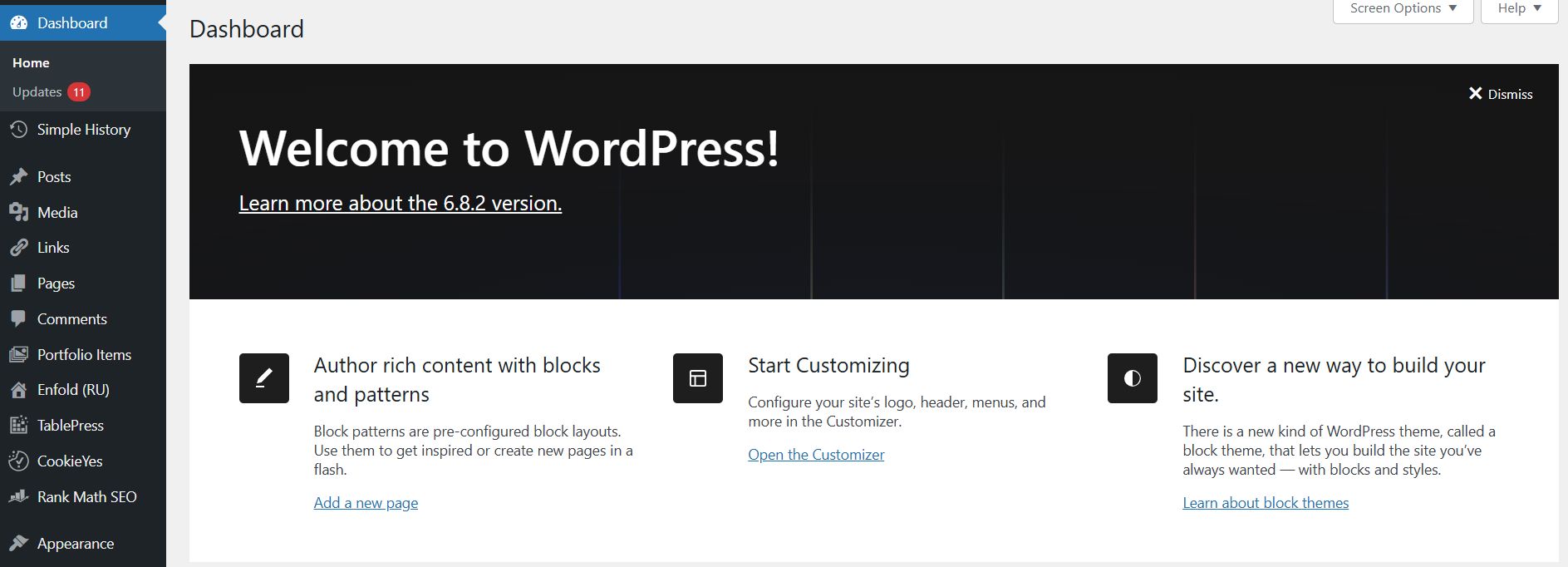
The purpose of the welcome panel is to help beginners. However, if you are already more or less familiar with the system, this panel is unnecessary for you. Taking up its space in the admin, it will distract you from more important things.
Removing the Welcome Panel from the WordPress Admin
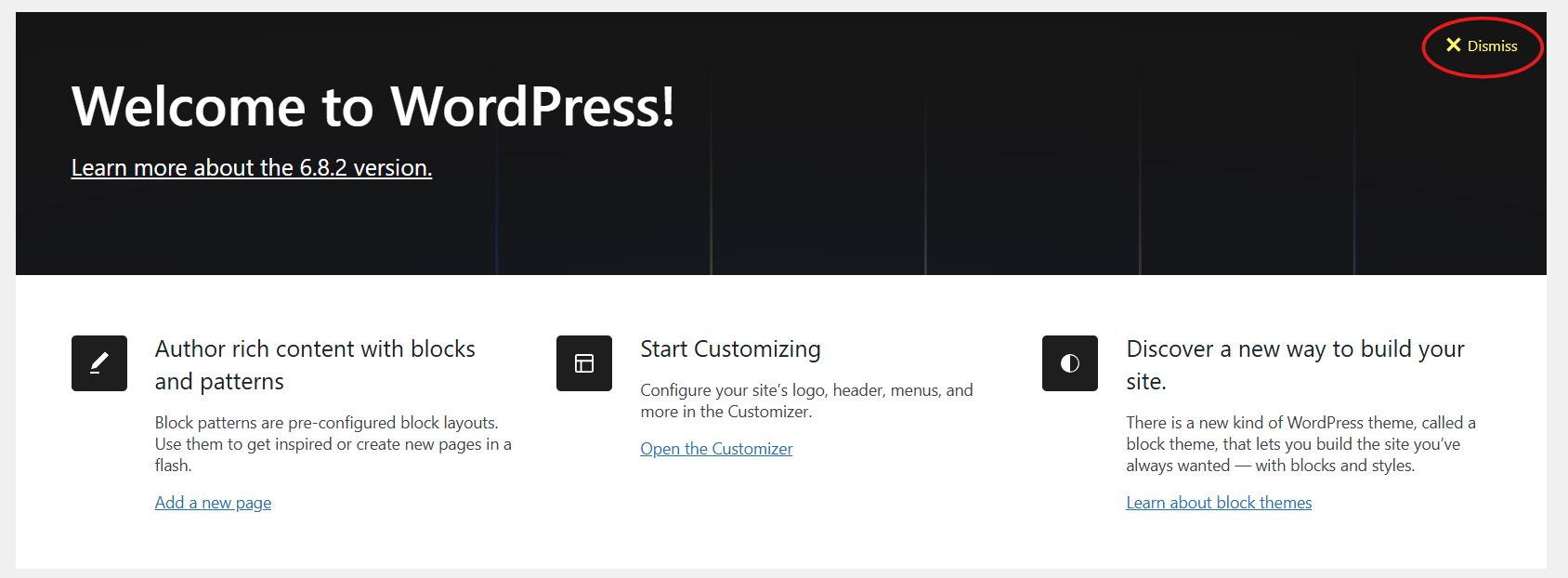
There are several ways to hide or even completely remove the welcome panel. The simplest way is just to click the Dismiss button in the upper right corner of this panel.
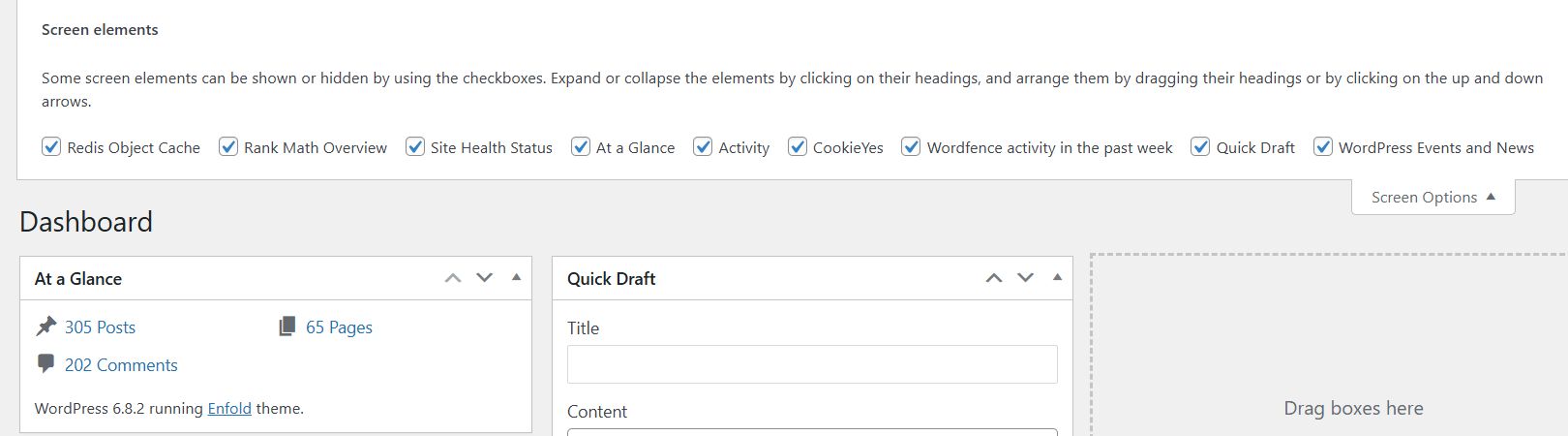
You can also hide the panel by clicking the Screen Options button in the upper right corner of the screen. This brings up a drop-down menu in which you need to uncheck the Welcome option.

Both methods above will hide the panel. You can get it back by clicking the Screen Options button and checking the Welcome option again.
However, if you want to get rid of this panel completely, that is possible too. You will need to add the following code to the functions.php file:
remove_action(‘welcome_panel’, ‘wp_welcome_panel’);
This code simply removes the function that adds the welcome panel to the admin. Now you can open the Screen Options menu and you will see that the welcome panel option is no longer there.
Our specialization is WordPress website development and maintenance. Contact us for a free consultation — [email protected], +371 29394520
