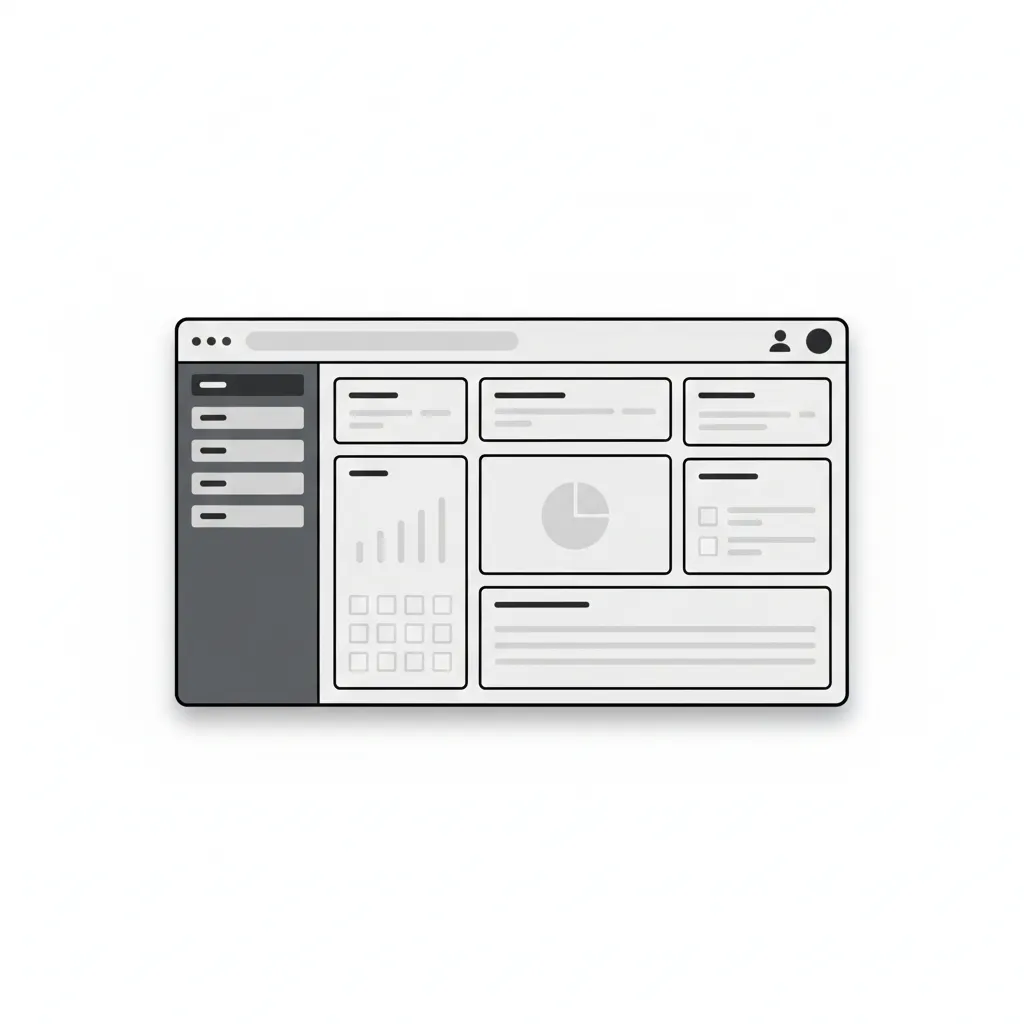
What Is the WordPress Admin Panel?
The admin panel is the administration area of a WordPress site. You can usually reach it by adding the wp-admin directory to your site address in the browser, for example: http://www.example.com/wp-admin/
The WordPress admin panel is the control center of a WordPress site. An administrator has full access to all of its features. Users with other roles, such as editors and authors, have limited access to the admin panel. Some users, such as subscribers, can only access their own profile there.
At the top of the admin panel there is a toolbar that gives you quick access to many administration functions. On the left is the navigation menu, which provides access to most WordPress tools. Each section usually has subsections that expand to show additional options.
The area in the middle of the screen is the workspace. This is where you write, edit and delete posts and change settings. At the bottom of the admin panel is the footer, which contains links to WordPress and shows the WordPress version that is currently installed.
Our specialization is WordPress website development and maintenance. Contact us for a free consultation — [email protected], +371 29394520
